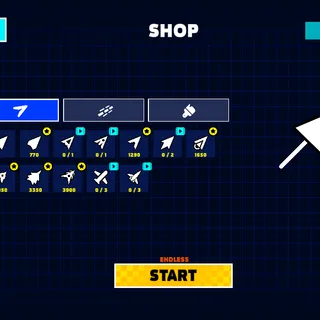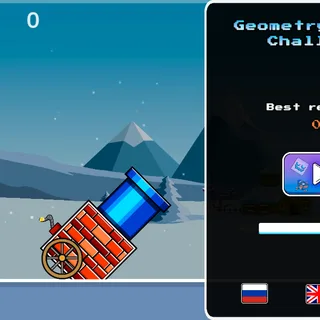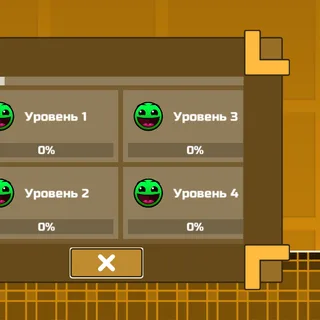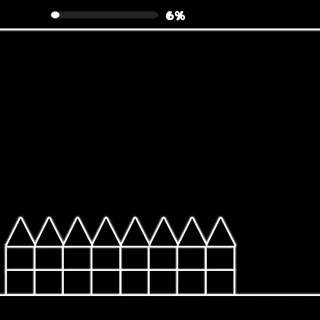

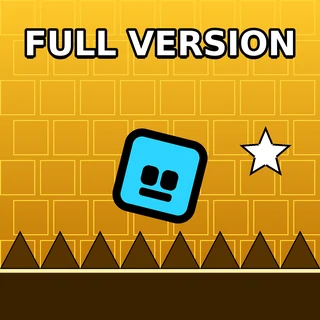
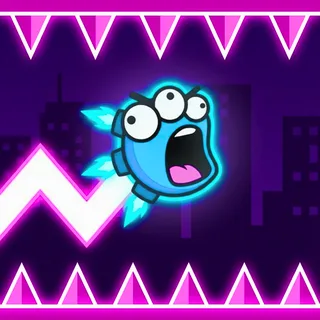
Griffpatch's Scratch port of Geometry Dash, with three levels and both the cube and the ship. It runs in this page with no Scratch account and no download.
About Geometry Dash Scratch
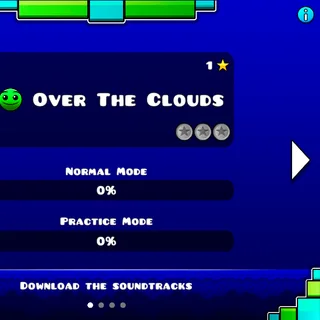
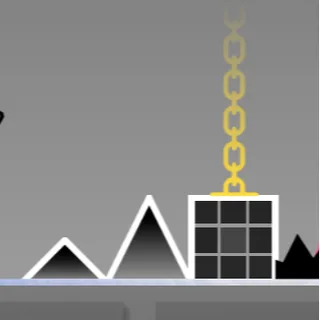
This is the Scratch version of Geometry Dash, the one whose menu reads "Ported to Scratch by Griffpatch" and "All rights belong to RobTop Games". It has three levels, each with its own song: Stereo Madness (1:27), Back on Track (1:24) and Polargeist (1:35). Your cube runs by itself, you press to jump, and one touch of a spike sends you back to the start.
You do not need a Scratch account here. The whole project is packaged into one file served from geometrydash.gg, so it plays in this page without opening the Scratch site. This copy comes from a re-share on Scratch titled Geometry Dash v1.5, which took out the online high scores before converting the project to JavaScript.
How to Play
- Press Play and wait for the level menu.
- Pick a level with the left and right arrow keys or the arrows on screen. The list loops after Polargeist.
- Press Space or click the level card to start.
- Jump over spikes and gaps. When you crash, the level restarts from the beginning by itself.
- Watch Score at the top left and Your Best at the top right. Your Best lasts until you reload the page.
What This Version Has and Leaves Out
You play as the cube and the ship, and that is all: there is no ball, UFO or wave in these three levels. There is no practice mode and there are no checkpoints, so every attempt starts at the beginning of the song. Nothing is saved either. Reload the page and Your Best goes back to 0, and reloading is also how you get back to the level menu once a level is running.
If you want practice mode and more forms, switch to Geometry Dash Lite with the edition switch above the player. To try the wave on its own, use Geometry Dash Wave.
Tips for the Scratch Port
- Holding the button keeps the cube jumping every time it lands. That helps over long rows of spikes and hurts everywhere else, so let go as soon as the row ends.
- Jump rings need a fresh press while you are touching them. If you are already holding the button when you reach a ring, nothing happens, so release first and press again.
- The ship rises at almost the same speed it falls, with the same speed limit in both directions. Hold to climb, let go to drop, and use short presses to stay level.
- If the game stutters on a slow Chromebook, press L. It switches the visual quality setting, and the particle effects are one of the things that setting controls.
- Press P to pause and P again to carry on. Esc does nothing in this version.
Playing on a school Chromebook? Geometry Dash Official for Chrome keeps the level running when the Wi-Fi drops.